Showing posts with label Filming & Editing. Show all posts
Wednesday, 4 February 2015
Thursday, 18 December 2014
First Draft
This is our first draft of our music video. It is very much uncompleted as we still aim to film a few more dance scenes and a bigger fight scene between Joe and Molly. The dance scenes will become easier to understand once there are more of them. They will represent their relationship, she is weak for the first two 'rehearsals' which represents the relationship at its weak point and then once she can do the dance moves, she is able to move on from him and break up with him. Also, the fight scene will be the break up and make the song more dramatic and relevant. As for the editing, we haven't completely sorted out the transitions between clips and scenes but they are approximately something that we will end up using. At the moment, there are a lot of lip syncing bits which will become less once we have more footage to add in. Also, we are hoping to do some more layering of film as we like the effect it gives.
Friday, 5 December 2014
Thursday, 4 December 2014
Photoshop Lesson
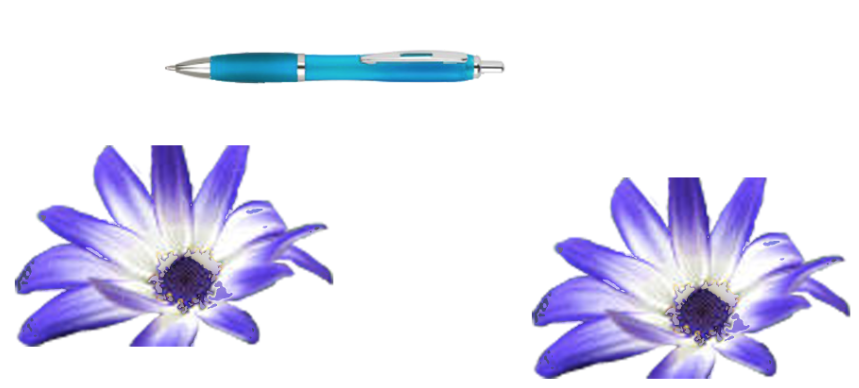
This was what we did in today's Photoshop lesson.
We had to get an image of the Earth (purposefully as it is round) and then by using the Elliptical Marquee Tool, holding down the shift key and space bar, it gave you the opportunity to select a perfect circle.
We then learnt how to (whilst keeping the resolution good) adjusting the size of the copied Earth's.
Then we got to play around with some effects and change the Earth's shape, size and look of them. Once opened the effects, you can adjust the harshness of the effect and how much the effect appears on the image. This will be very useful when using Photoshop as if we wanted something with a slight different colour you can adjust it to the level that you want.
Then we had to select the pen by using the magic wand tool and then selecting 'add to selection'. This meant we could keep the selection we had already selected and then end up selecting more of the image.
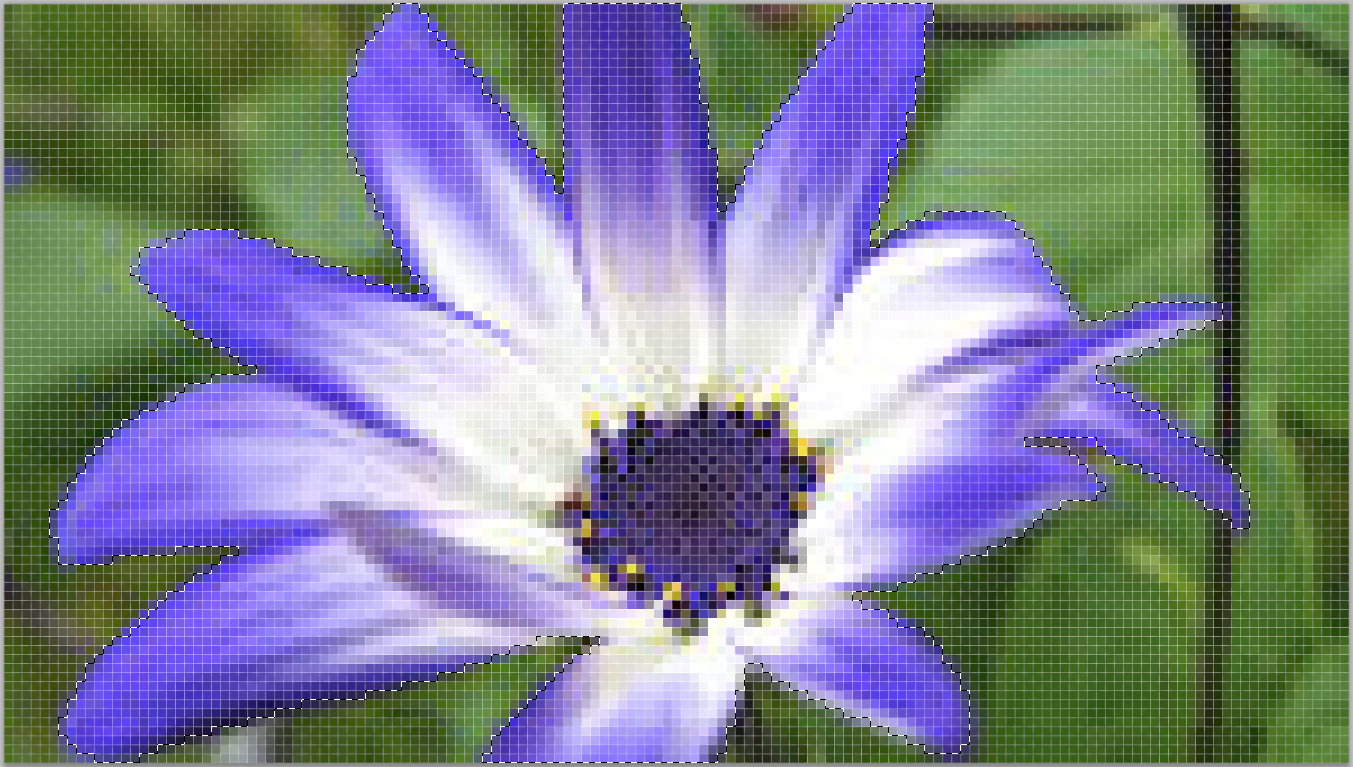
This was the image that we had to crop the flower out of.

We then did the same with the flower but using the lasso tool and then selecting 'add to selection'. This proved a lot easier because if you made a mistake, you could select 'subtract from selection'. This made completely cropping something out of an image easier.
Tuesday, 18 November 2014
Starting To Edit
This is a screen shot of us starting to edit on Final Cut. So far we have just started to put our clips in order, lining them up to the beat of the music. We filmed many different shots of the same scene and so are now editing them together so we can get a range of shots in our video. This can prove challenging as there can be continuity errors when certain things change in each time we film it.
Subscribe to:
Posts (Atom)